Figma AI
AI features built into the design tool teams already use.
The Spinoza Score
Reviewed by Kamran Arshad. See how we evaluate · Updated 2026-06-05.
- Category
- design
- Starts at
- Free
- Platforms
- Launched
- May 2024
- Last reviewed
- 2026-06-05
Doesn't reinvent the wheel — adds the wheel to the existing car.
Figma AI is the right approach for an incumbent: don't compete with AI-native tools on capability, compete on integration. Most design teams will get most of what they need from AI without leaving Figma. That's worth more than any single feature.
What Figma AI actually looks like
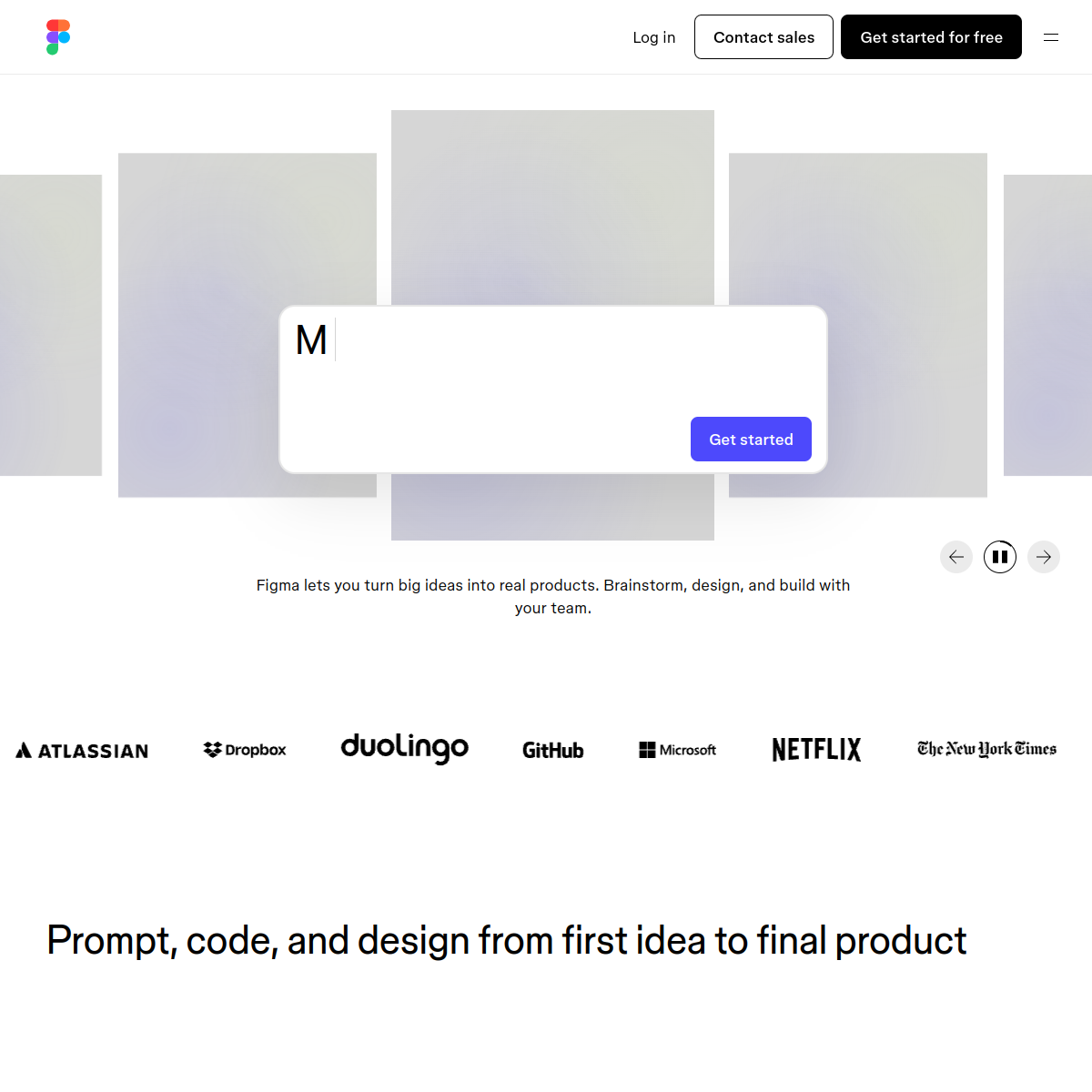
Scroll inside the panel to see the full homepage. Live screenshot — updates as the product evolves.
- Existing Figma teams
- Designers already in the ecosystem
- Teams not on Figma
- AI-design purists
What's new from Figma AI
- Mar 2026
Make Designs general availability
Text-to-UI rolled out to all paid tiers.
- Nov 2025
Visual search
Find components by visual similarity across files.
What it actually does
Make Designs
Text-to-UI inside Figma. Describe what you want, get a starter design. Edit normally afterward.
Visual search
Find components across your design files by visual similarity, not just by name.
Generative replace
Replace specific elements (icons, images, text blocks) with AI-generated variants.
Auto rename layers
AI cleans up your layer names. Sounds small; saves hours over time.
Translate text
AI-translate all text in a file to another language while preserving layout.
Composite of hands-on testing and editorial review — five dimensions, each rated 0–5 against the same published rubric for every tool in the category. How we score →
- Overall
- 4.5/5
- Output quality
- 4.5/5
- Utility & features
- 4.5/5
- Usability & UX
- 4.5/5
- Performance & reliability
- 4.5/5
- Cost vs. value
- 4.5/5
What it costs, by tier
- 3 Figma files
- Limited AI generations
- Basic features
Designers.
- Unlimited files
- Full AI features
- Auto-layout, prototyping
Teams.
- Centralized admin
- Design systems
- Branch + merge
Ready to try Figma AI?
There's a real free tier — you can test the verdict yourself in five minutes.
Outbound link may be tracked. See affiliate disclosure.